Velko
Your IPTV, beautifully native on Apple TV, iPhone & iPad. Bring your own provider; Velko makes it gorgeous.
Get Velko on the App StoreOn Apple TV, iPhone & iPad — now on iPhone & iPad
See it in action

A real TV guide
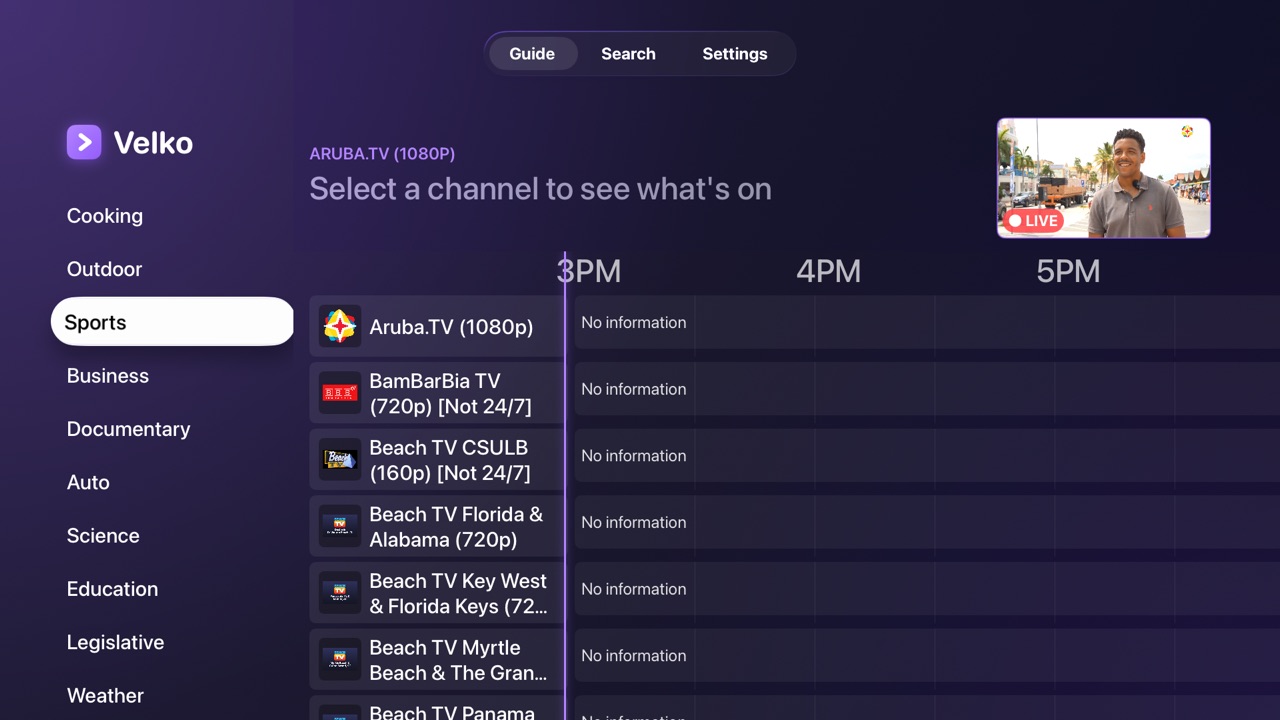
A classic, fast EPG with channel logos, now-playing progress, and a live preview as you browse.
Pause live TV
Pause a live channel, pick up where you left off, and jump back to live when you're ready.
Universal search
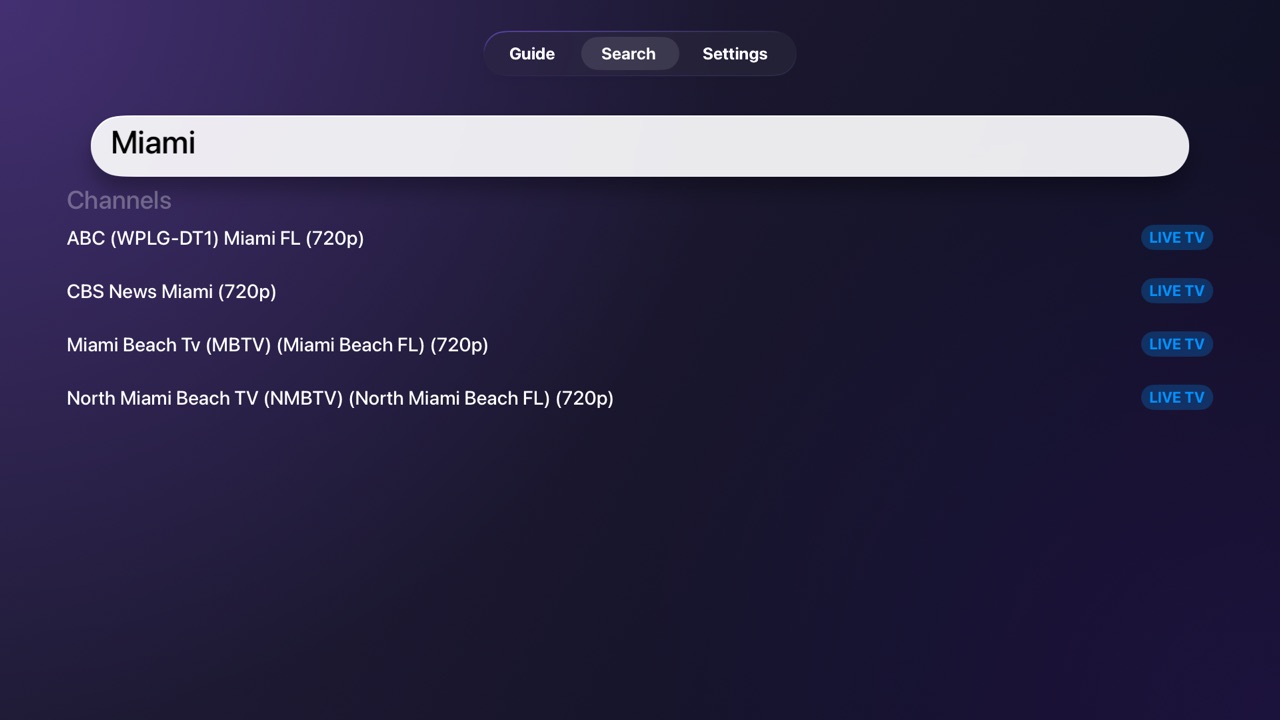
Find channels, movies, series, and what's on right now — all from one place.
Movies & series
Browse your provider's VOD and series with resume, episodes, and clean detail pages.
Bring your own provider
Sign in with Xtream Codes or add any M3U playlist. Velko provides the player, you bring the service.
Profiles
Keep multiple sources, give them names you'll recognise, and switch between them from any screen — no logging out, nothing forgotten.
Parental controls
Hide the categories your provider labels as adult with one switch in Settings. Off by default, and it syncs to every device you use.
Catch-up
On channels with a catch-up archive, press and hold to browse the last 24 hours and play a show from the start. A Velko Pro feature.
Your picture, your way
Fill the screen to lose the black bars, keep it as broadcast, or force 16:9/4:3 — plus a streaming-quality choice per device, including data saver for iPhone.
Free Community TV
Start in seconds with free, public channels from the open-source iptv-org project — no account, no time limits, free forever.
Built to stay out of your way
Favorites that never vanish
Your starred channels persist and sync across every Apple TV with iCloud — set them once, see them everywhere. No more lists that disappear when you reopen the app.
Self-healing streams
If a stream hiccups or times out, Velko quietly reconnects at the live edge instead of freezing on a black screen.
Private by design
No account, no tracking, no Velko servers. Your provider credentials stay on your device in the system Keychain — Velko never sees or stores them.
Only what you use
No clutter. Movies and Series tabs appear only if your provider actually offers them, so live-TV folks get a clean, simple guide.
Fast, human support
Built by an indie developer who actually answers. Bugs and feature requests are triaged within 24–48 hours and responded to — post in our community at r/velko and you'll hear back.
Guides & comparisons
IPTV on iPhone & iPad
Velko is on iPhone & iPad too — the same guide and your provider, with Pro and favorites synced across every device.
Best IPTV player for Apple TV
An honest 2026 roundup of the native players — what to look for, and how to try one free first.
TiViMate for Apple TV
TiViMate has no tvOS app — here's what to use instead, and how to bring your same login over.
Velko vs UHF vs IPTVX
An honest comparison of the native Apple TV IPTV players — pricing, catch-up, downloads, and where each one wins.
IPTV Smarters is gone — what now?
Why it was removed from the App Store, and how to get your subscription working again on Apple TV.
Set up Xtream Codes on Apple TV
What the three credentials mean, how to sign in, and how to fix the most common login errors.
What is IPTV catch-up?
How provider archives and replay work, and how to watch shows that already aired on Apple TV.
Frequently asked questions
Pricing, Xtream & M3U support, Community TV, privacy, and device compatibility.